 PA
PAProactive Phone Extension
Make your iPhone part of your personal agent.
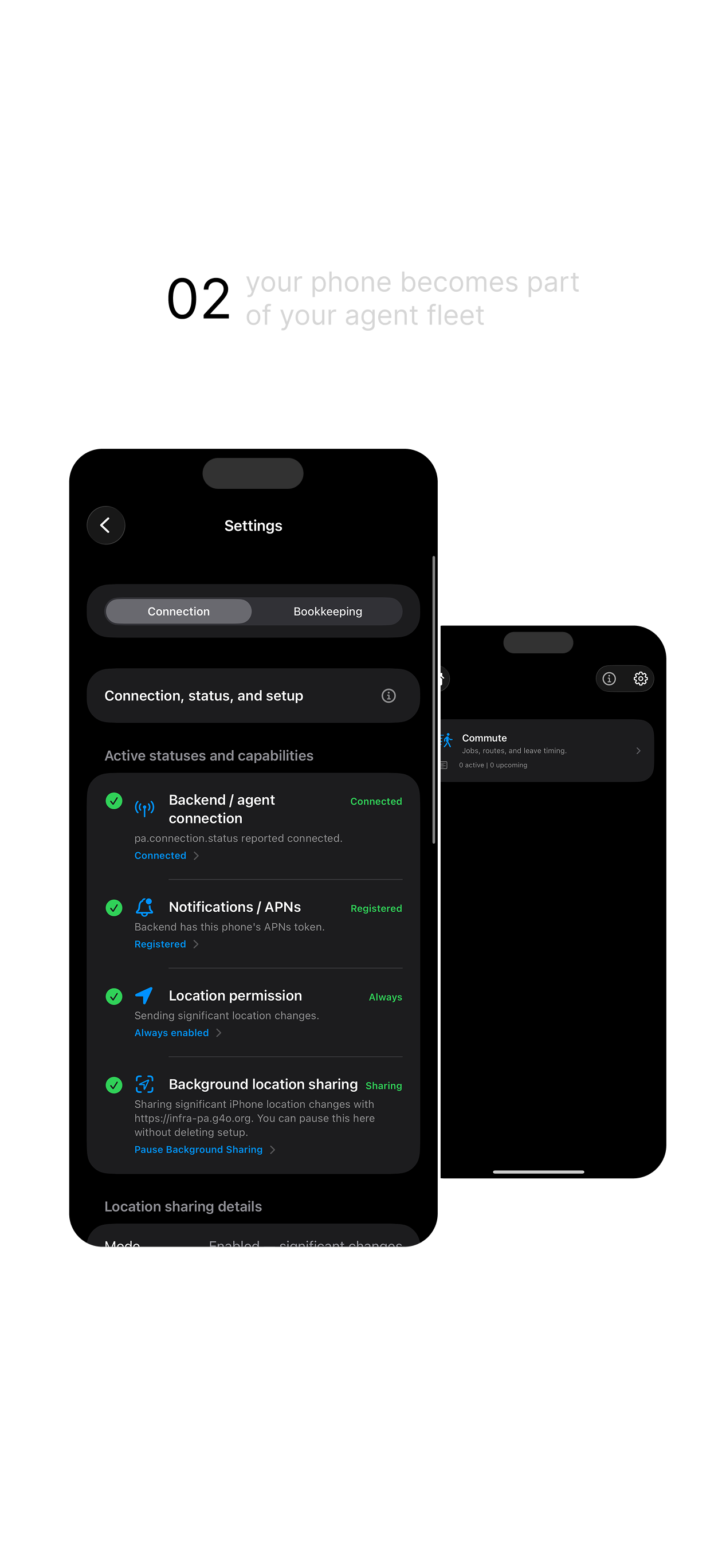
PA connects consented phone capabilities—location, notifications, and device context—to the assistant backend you choose.
One prompt connects your phone. Native iOS controls keep the rest in your hands.
Permission-mediated.
Private by design.
Set up in one conversation
One compact prompt does the handshake.
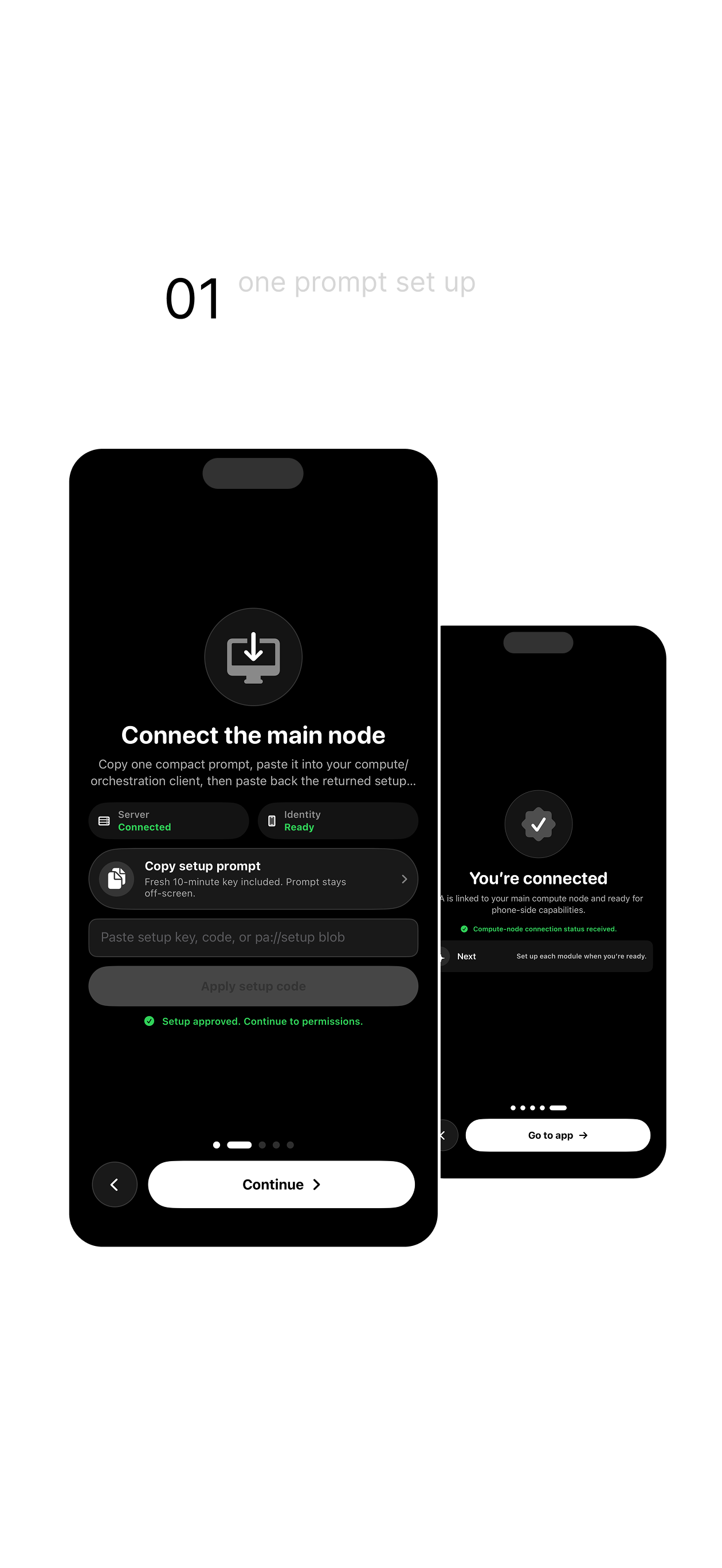
Copy the setup prompt into your agent runtime, paste the returned code into PA, then approve only the capabilities you want.
Copy the generated setup prompt.
Connect your main compute node.
Choose phone permissions.
First feature pack
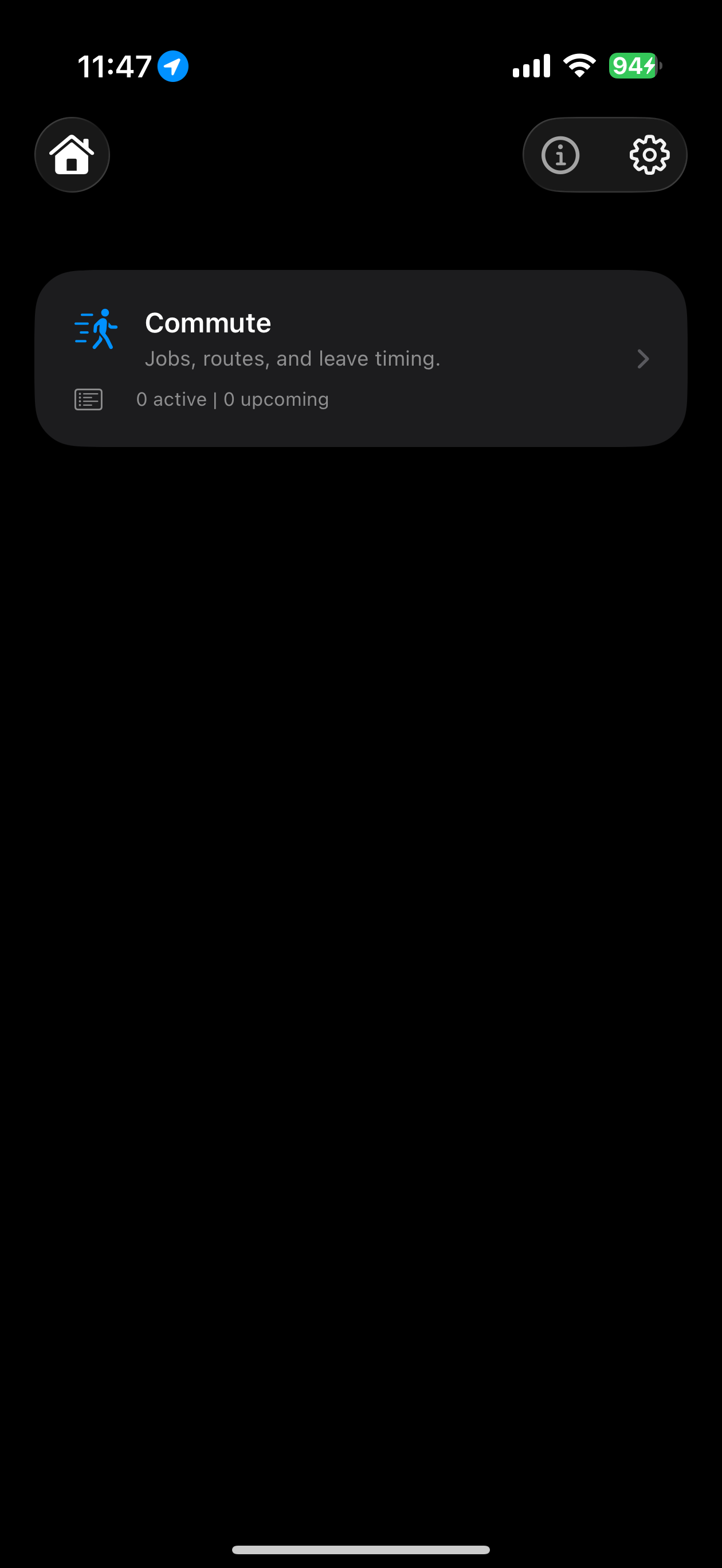
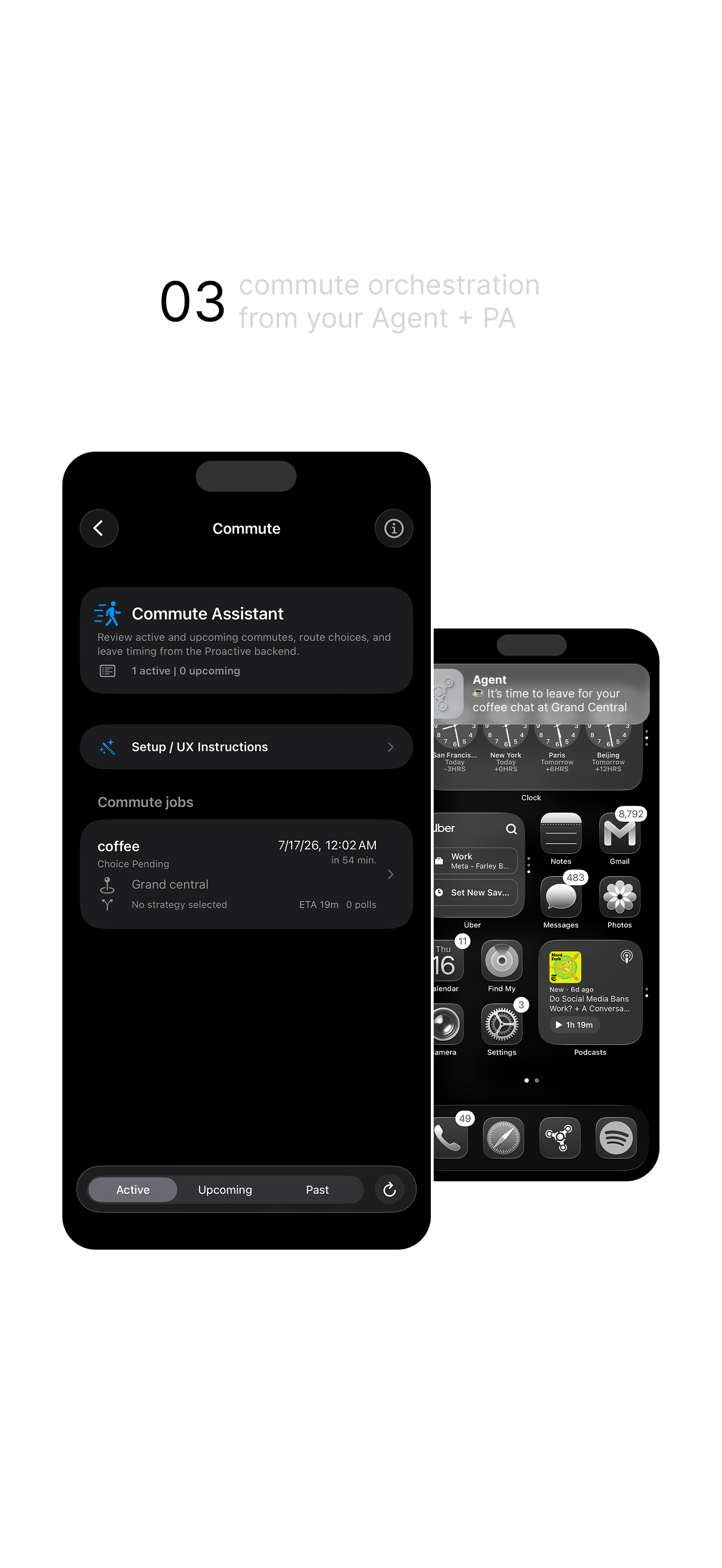
Commute knows where you are—and when to leave.
PA gives your agent fresh phone context for commute decisions. Browse active, upcoming, and past jobs, compare route strategies, and get leave-time guidance without continuous tracking.
- ✓ Fresh location when the workflow needs it
- ✓ Route choices reflected back in PA
- ✓ Background sharing you can pause anytime
Private by design
Your phone. Your permissions. Your agent.
No ads PA has no advertising SDKs.
No tracking No cross-app or cross-site tracking.
Clear controls Pause sharing in PA or revoke it in iOS.
Download PA
You’re ready to include
your phone as a node
in your agent stack.
PA Node is now available on the App Store. Add your iPhone to your personal agent infrastructure in a few minutes.